Getting started
Run it, then sign in
tessera is a self-hosted file courier. Upload a file, get a retrieval code, hand the code to whoever needs it.
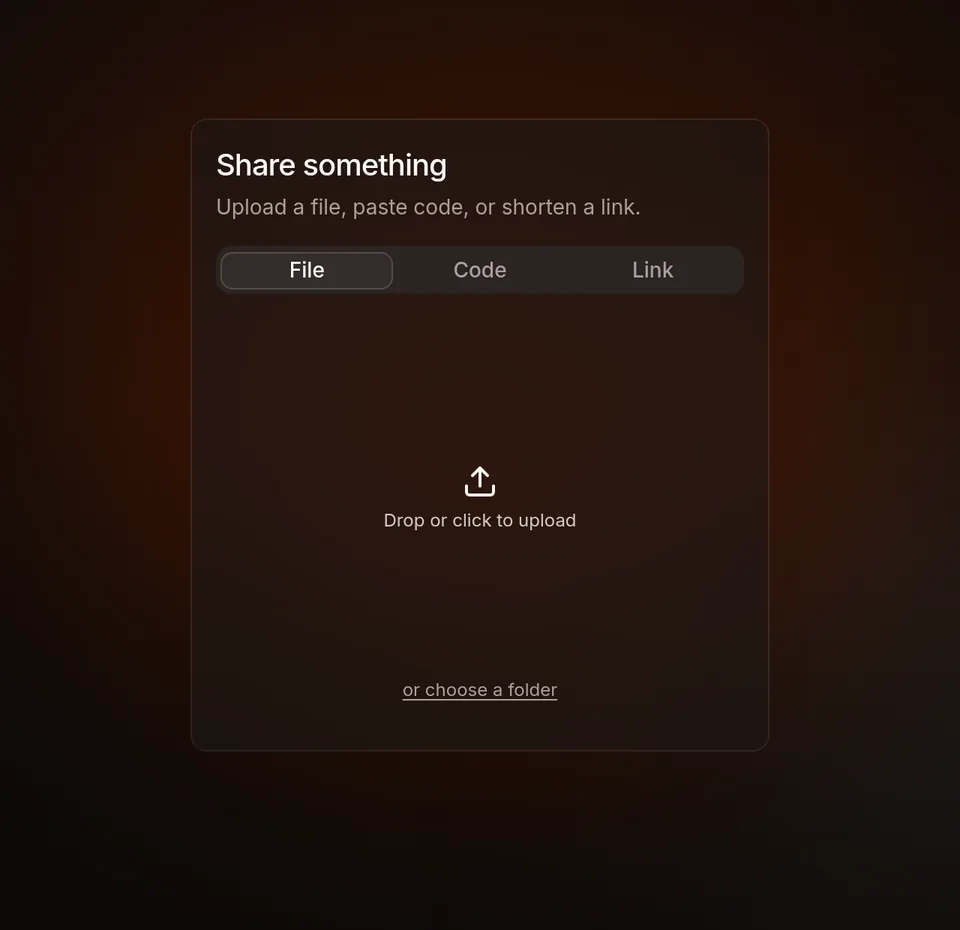
Upload page: drop files, paste text, or add a link
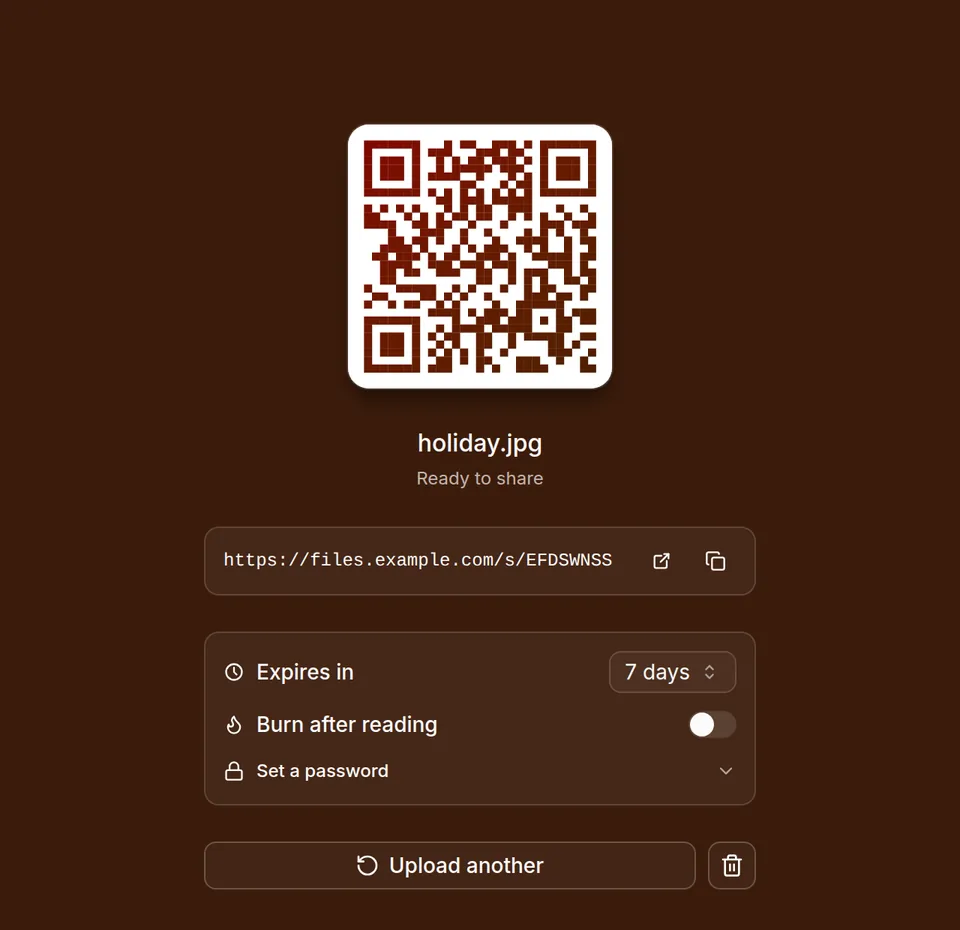
After uploading: link, QR code, expiry
Run it
Pull the image
docker pull ghcr.io/limatura/tessera:latest:latest is the newest release, and :sha-<commit> pins one build. amd64 and arm64 are both published, so a Pi or a NAS works.
To build it yourself instead, docker build -f apps/server/Dockerfile -t tessera . compiles the frontend in as well.
Start it
docker run -p 12923:12923 -v tessera-data:/data ghcr.io/limatura/tessera:latestThe data lives in a named volume, tessera-data. Docker creates it on first run and it is already writable by the server. To keep the data in a directory you choose instead, use the Docker Compose tab.
Take the admin password from the log
The image logs JSON, one object per line. Pick it out with:
docker logs <container> 2>&1 | grep passwordWith Compose, use docker compose logs tessera 2>&1 | grep password.
The line looks like this:
{
  "timestamp": "…",
  "level": "WARN",
  "message": "created the first administrator with a generated password; sign in and change it",
  "username": "admin",
  "password": "1e3bc629…",
  "target": "tessera_server::auth::bootstrap"
}
This line is printed once
Restarts will not print it again. If you miss it, set a new one with
reset-password.
Sign in, then change the password
You will be blocked from everything else until you do.
Without Docker
Each release also carries the server on its own, for Linux (x86_64 and arm64, static, so any distribution) and macOS (Intel and Apple Silicon). There is none for Windows; use Docker there. The web interface is built in, so the one file is the whole instance.
curl -fsSL https://github.com/Limatura/tessera/releases/latest/download/tessera-server-linux-x86_64.tar.gz | tar -xz
./tessera-server
Started like this, it differs from the image in three ways:
- It listens on
127.0.0.1:12923, so only this machine can reach it. Put a reverse proxy in front, or setTESSERA_SERVER__HOST=0.0.0.0. - The data goes in
data/under the directory you start it from. - The log is plain text, and the admin password is on the line that ends
username=admin password=….
To keep the data somewhere else, set both of these:
TESSERA_SERVER__DATA_DIR=/var/lib/tessera \
TESSERA_DATABASE__URL=sqlite:///var/lib/tessera/tessera.db \
./tessera-server
The database does not follow the data directory
Set only TESSERA_SERVER__DATA_DIR and the database stays in data/tessera.db under wherever you started it. The admin commands such as tessera-server reset-password read the same settings, so run them with the same variables, from the same directory. Otherwise they work on a different, empty database.
What ends up in /data
blobs holds the uploaded content until you add somewhere else to keep it. secret.key encrypts the credentials stored in the database: storage backend addresses, the mail password, sign-in providers' secrets.
Back up secret.key with the database
A database restored without it still opens, but every sealed credential in it is unreadable and has to be entered again. See configuration.
Settings are not in the volume. They come from the environment and from the admin panel, at /admin/ on the same address.
Without a volume on /data, everything is gone the next time the container is
rebuilt.
Next
Shares
Uploading, retrieval codes, use counts and expiry
Configuration
Where settings come from and what overrides what
Reverse proxy
Read this before putting it behind nginx / Caddy / Cloudflare
Accounts
Registration policy, forgotten passwords
Optional. Turning it on changes registration
API
Endpoint reference, generated from the contract